Exchange files with my Lenovo engineer
Once you have captured a Quick Image of your system, the image can be delivered to your Lenovo engineer using LCD’s Packages feature.
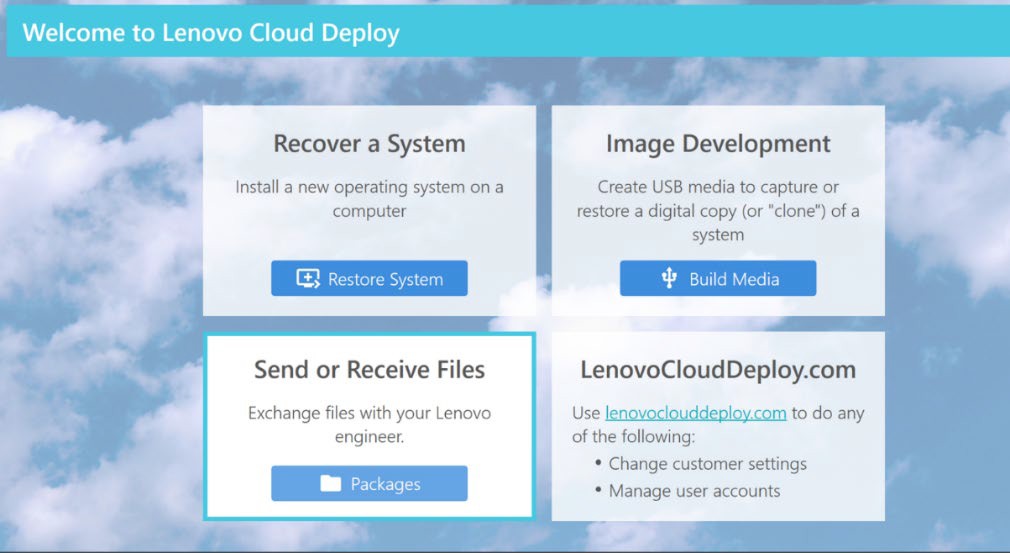
Launch LCD.
Click Packages in the Send or Receive Files tile.
Click Create New.
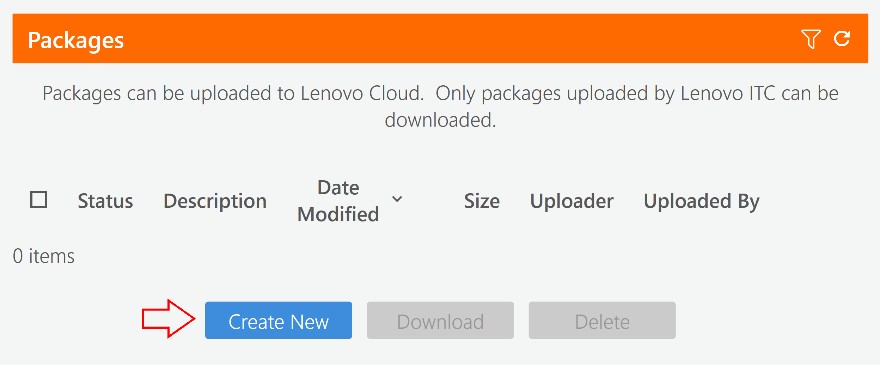
The wizard guides you through the rest of the process.
Contact your engineer to advise them that you have transferred a package to them.