Restore System
The Restore System wizard assists you in recovering an image deployment on a computer. It guides you through a series of questions to help you select the best method for restoring a system.
To navigate to the Restore System screen, click the Restore System icon from the left navigation pane.
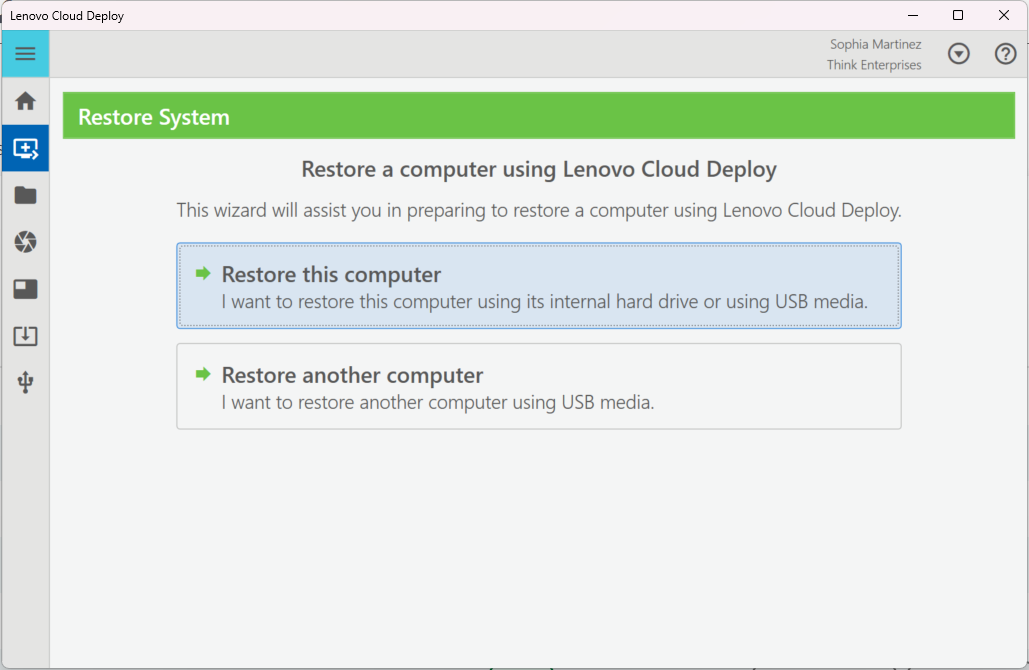
Restoring a system requires booting the computer into the LCD recovery environment. The recovery environment requires an internet connection to restore directly from LCD. Otherwise, offline USB media is required to restore the computer.
The LCD Restore System wizard supports two workflows, depending on whether you are restoring your own computer that LCD is installed on, or restoring another computer. Click a link for the workflow that describes the computer that you want to restore.