Packages
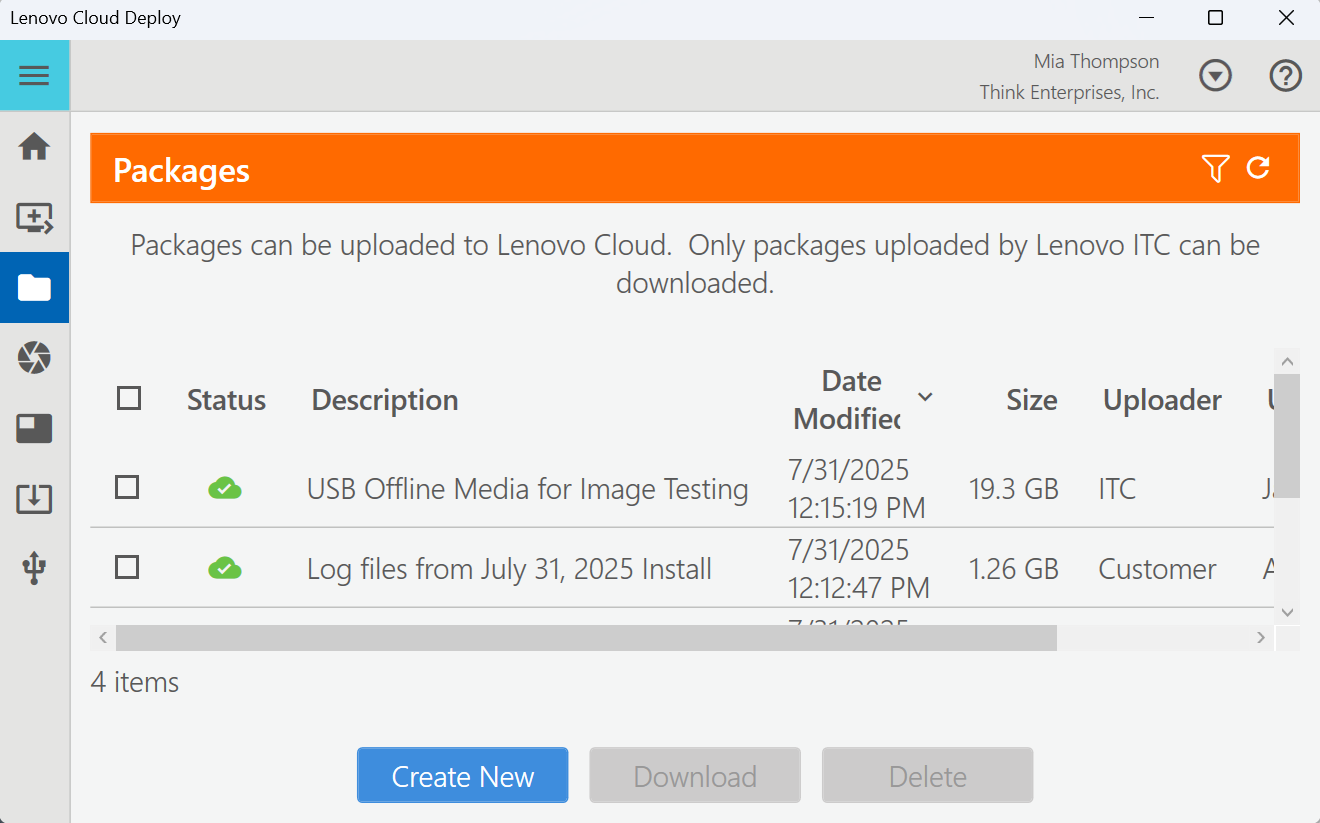
Manage file packages using this feature. You can send to or receive files from your Lenovo engineer using the Package Transfer feature.
To navigate to the packages screen, click the Packages icon from the left navigation pane.
Upload a package
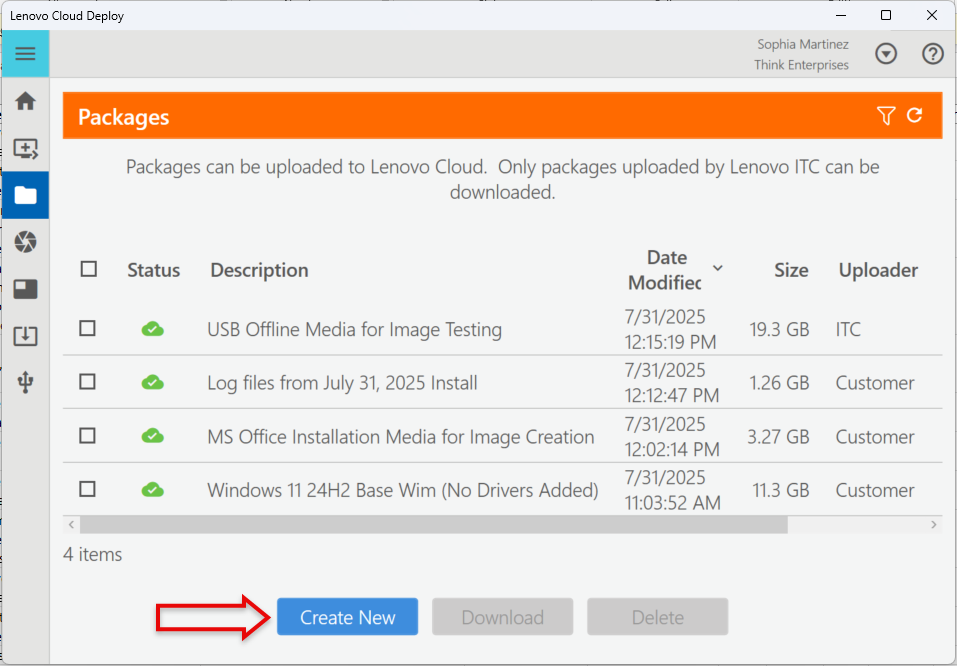
Click Create New.
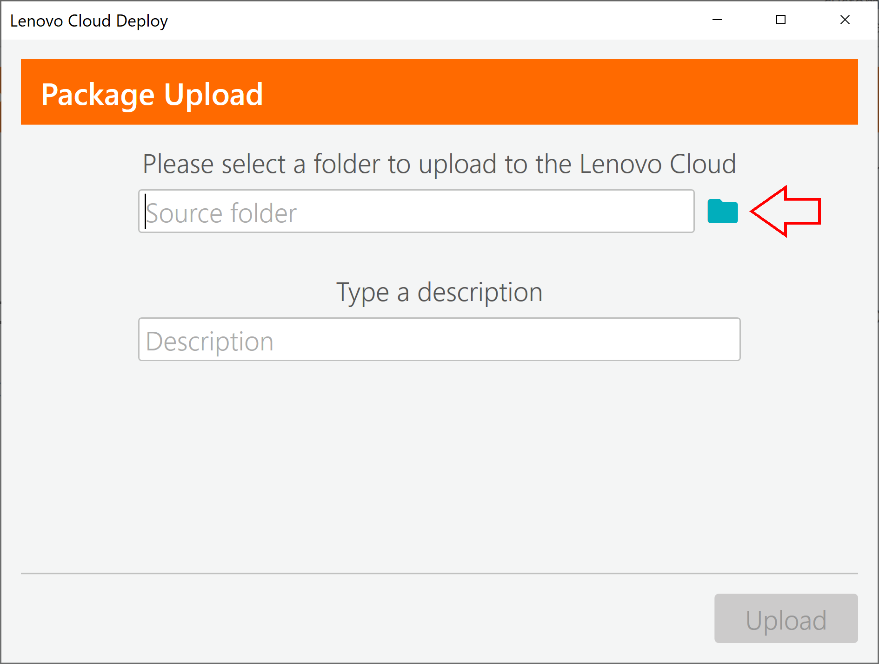
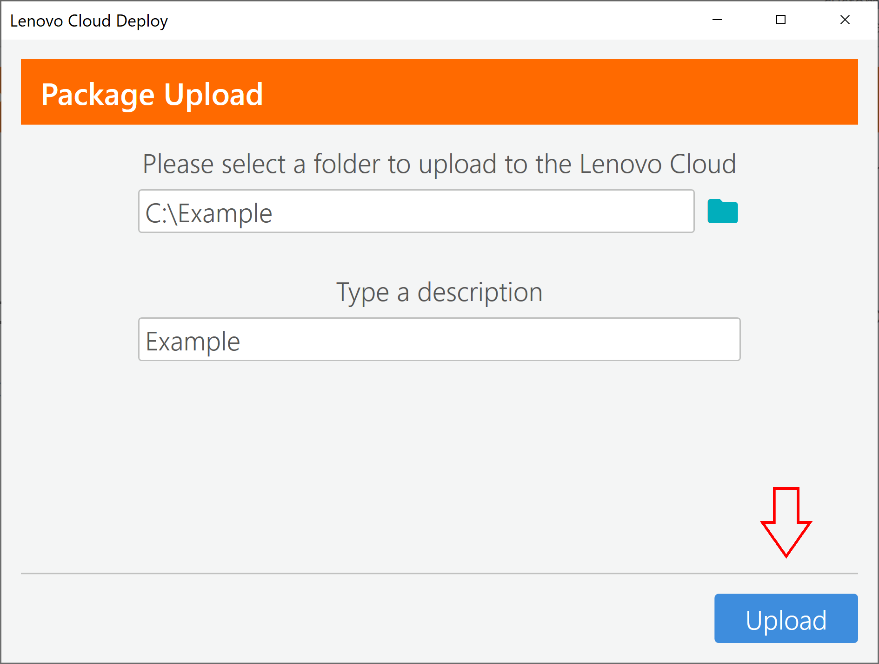
Click the Browse folder icon and select the folder containing the package files to upload.
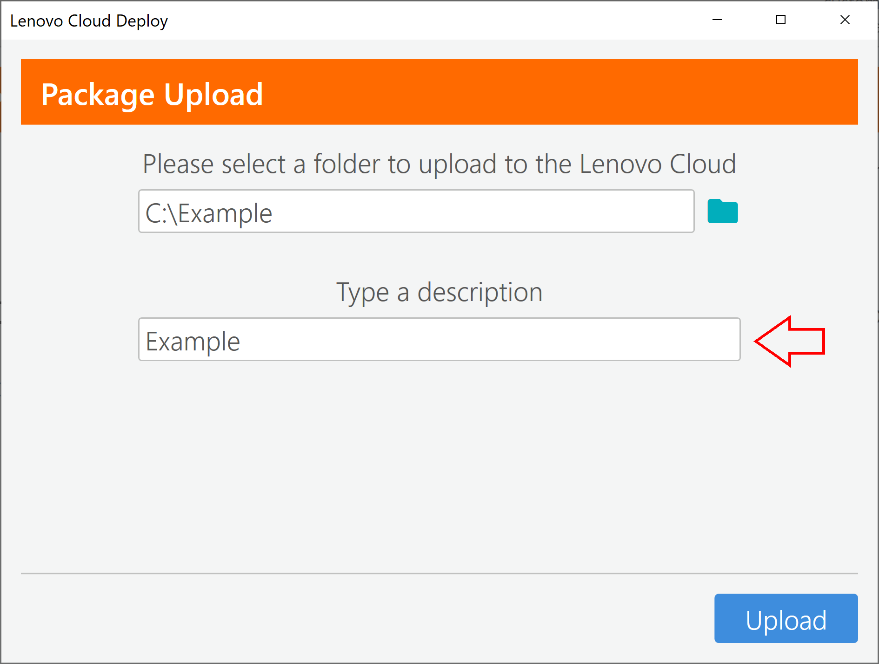
Enter a description of the package in the Description field.
Click Upload.
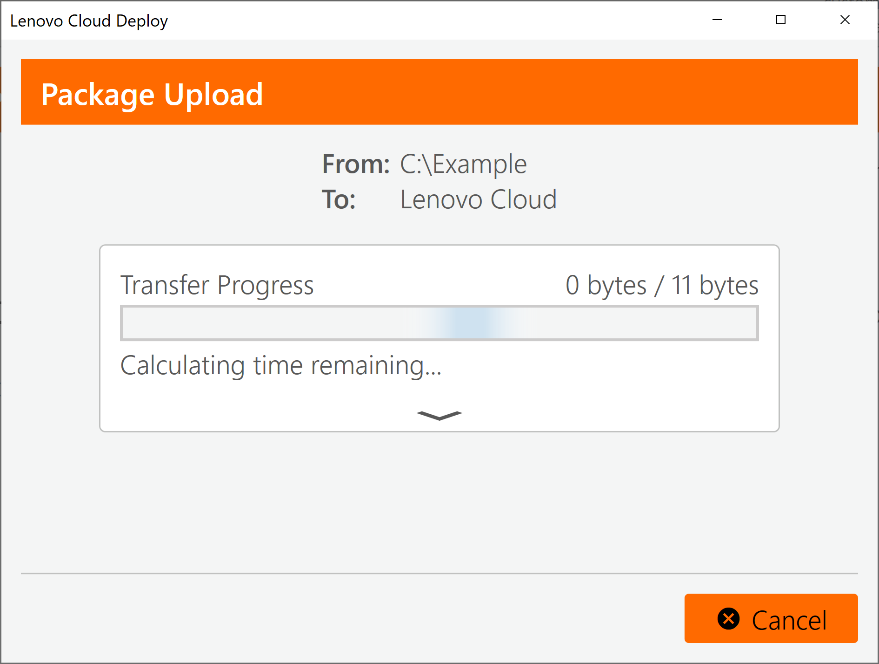
The progress of your upload displays.
When the upload is completed, a success message is displayed. Click OK to return to the main screen.
Delete a package
Select one or more items to delete.
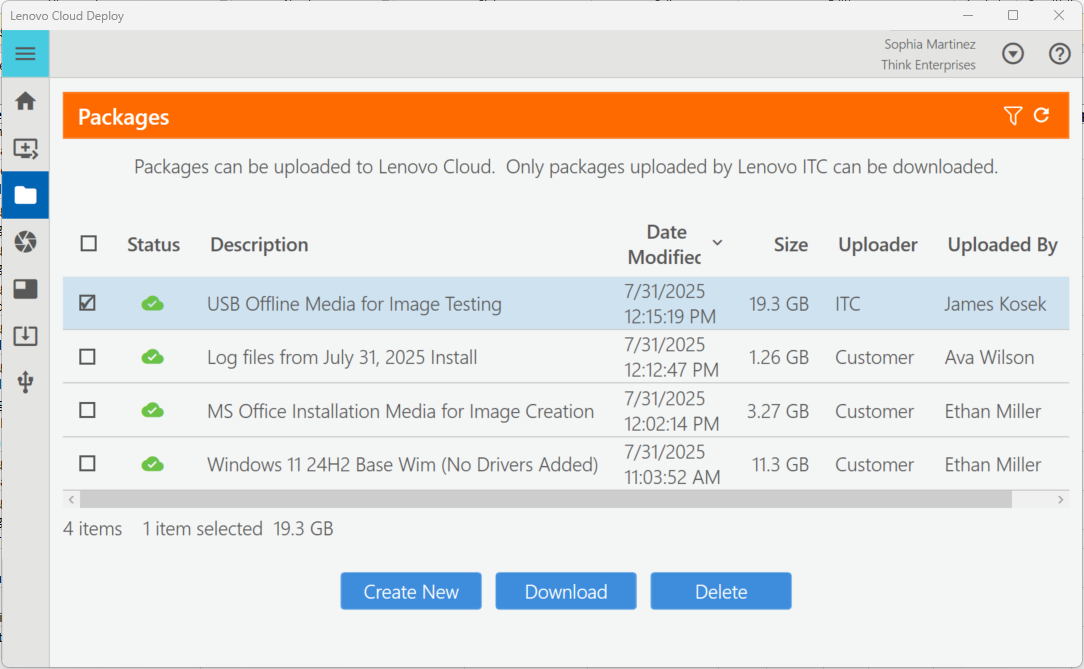
Click Delete.
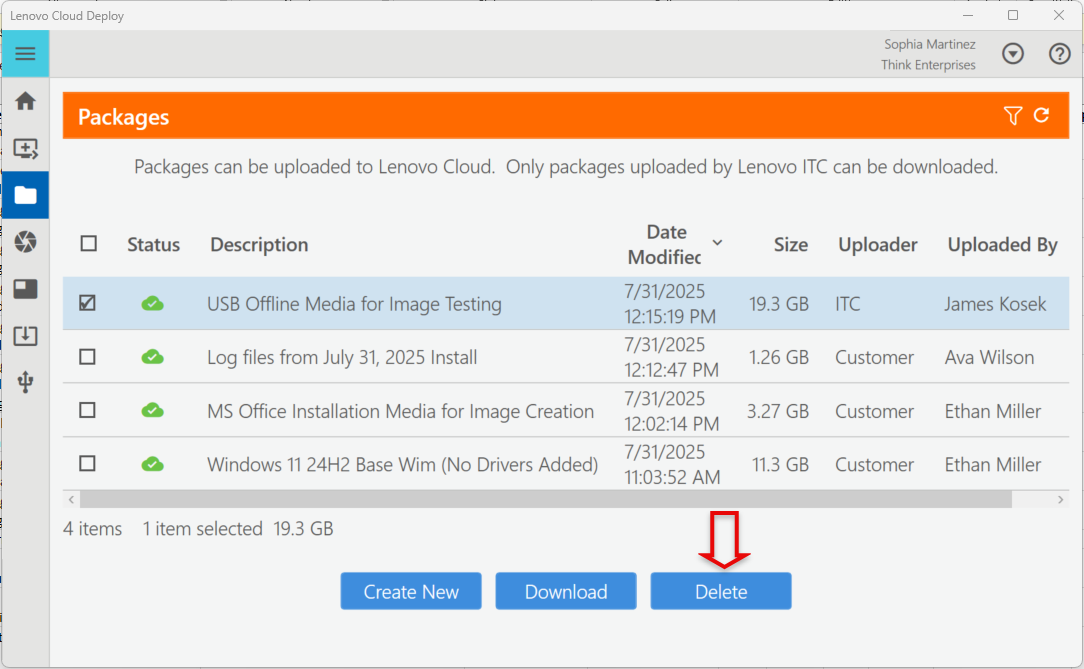
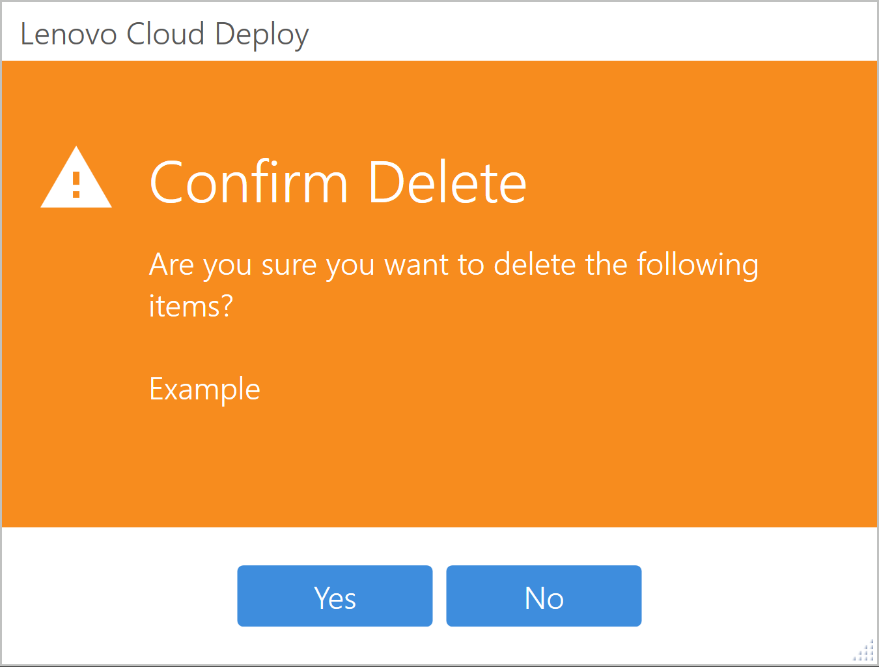
To confirm that you want to delete the selected items, click Yes.
Download a package
Note
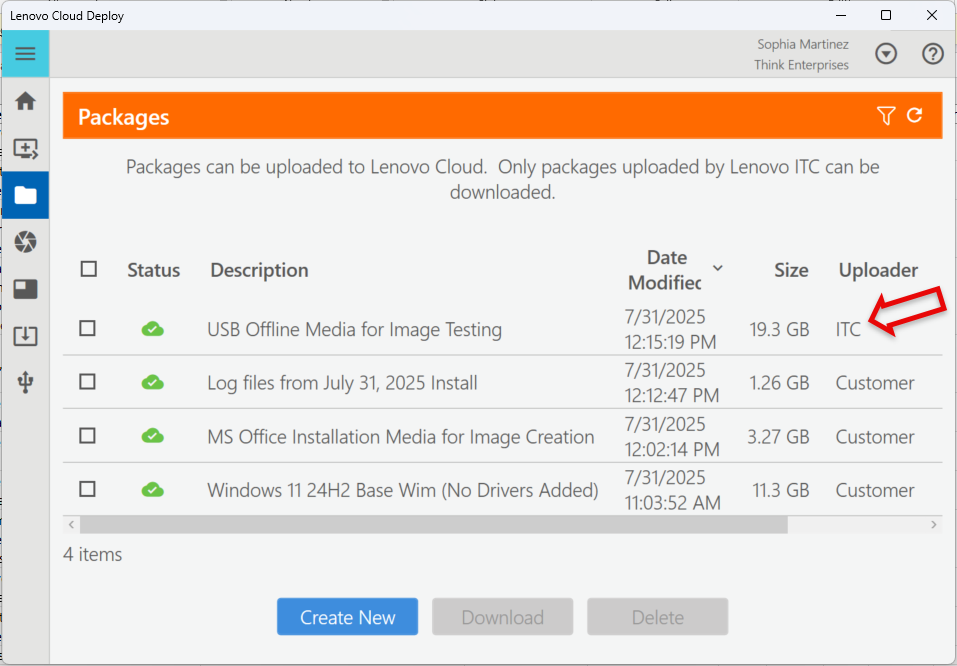
Only packages uploaded by the Lenovo ITC can be downloaded.
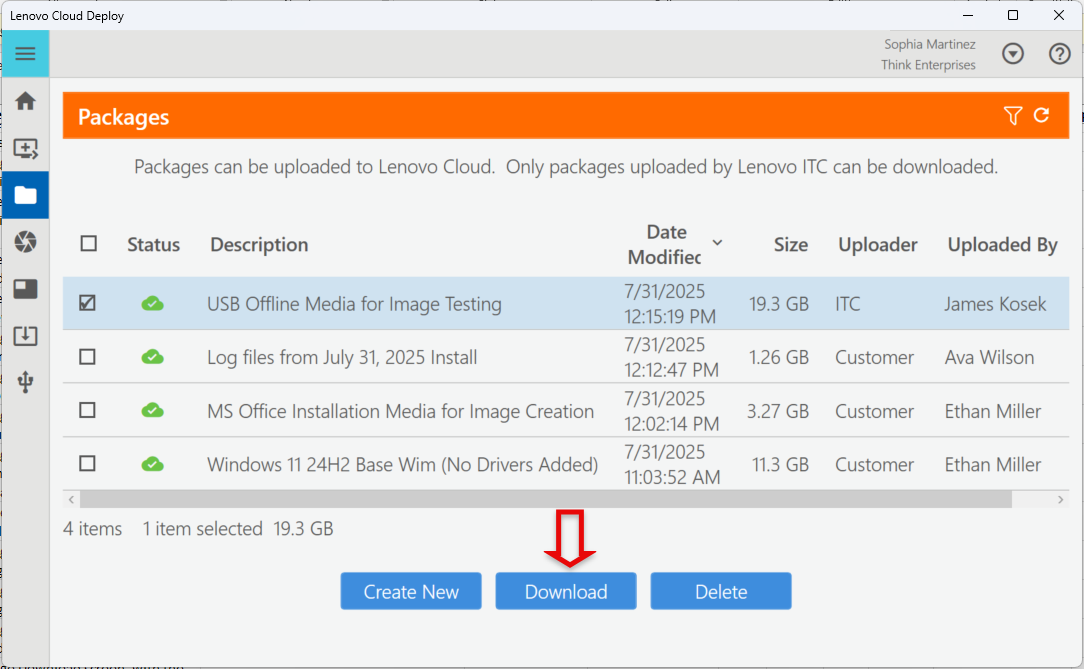
Select one or more items to download.
Caution
Ensure all the items that you select for download have ITC as the Uploader.
Click Download.
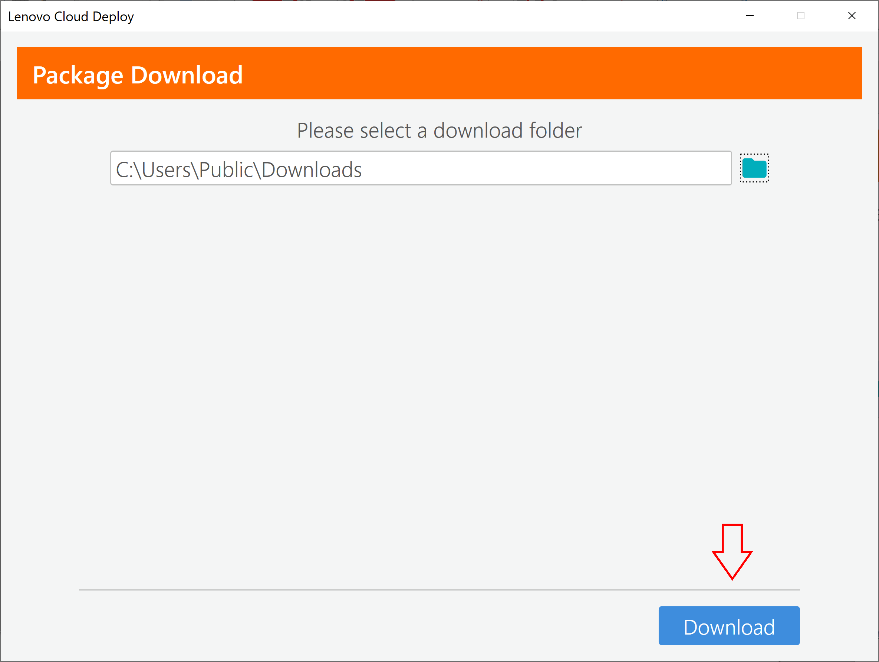
Click the Browse icon and select a download folder.
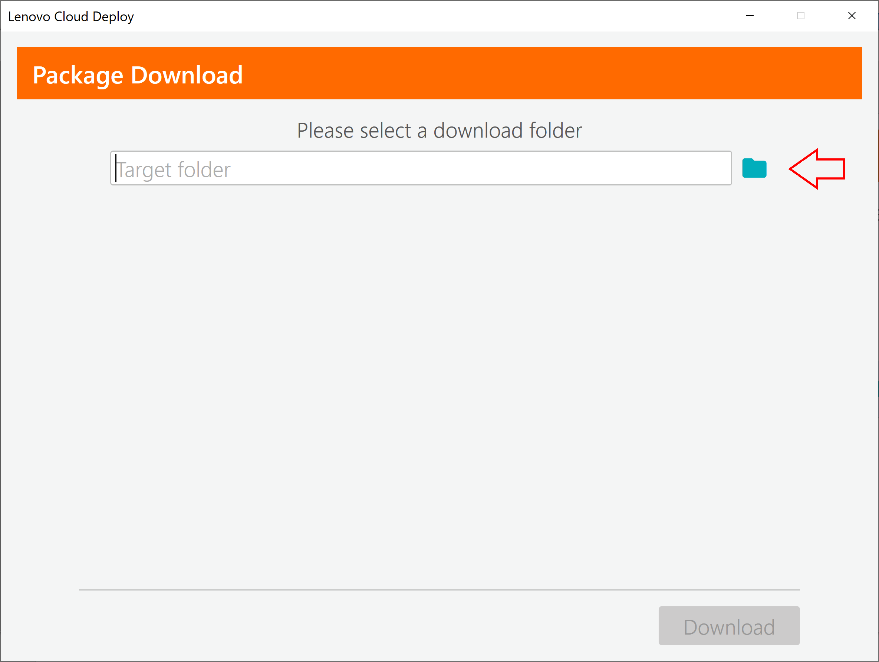
Click Download.
Your download’s progress displays.
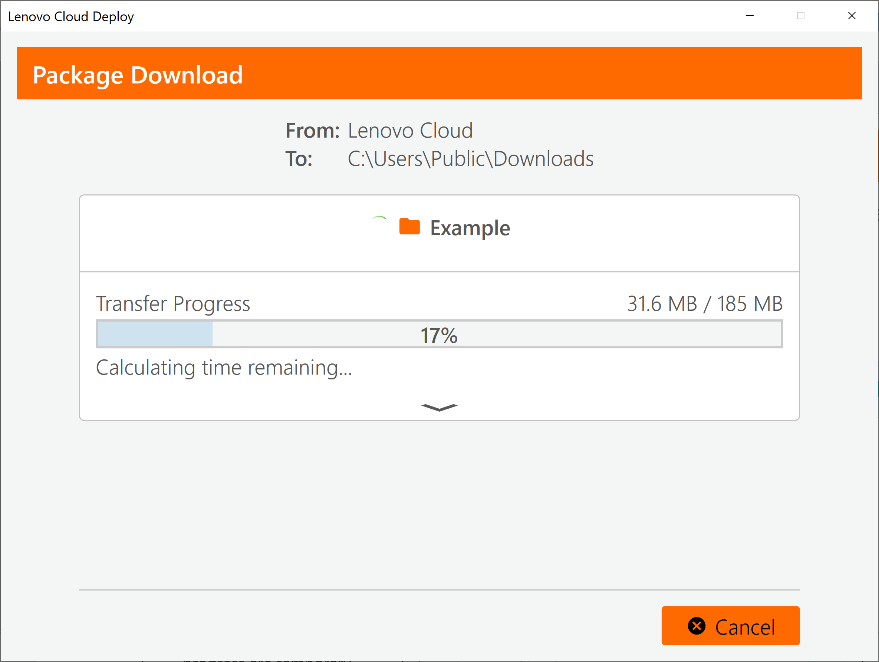
When the download completes, a success message displays. Click OK to return to the main screen.